1:20:25
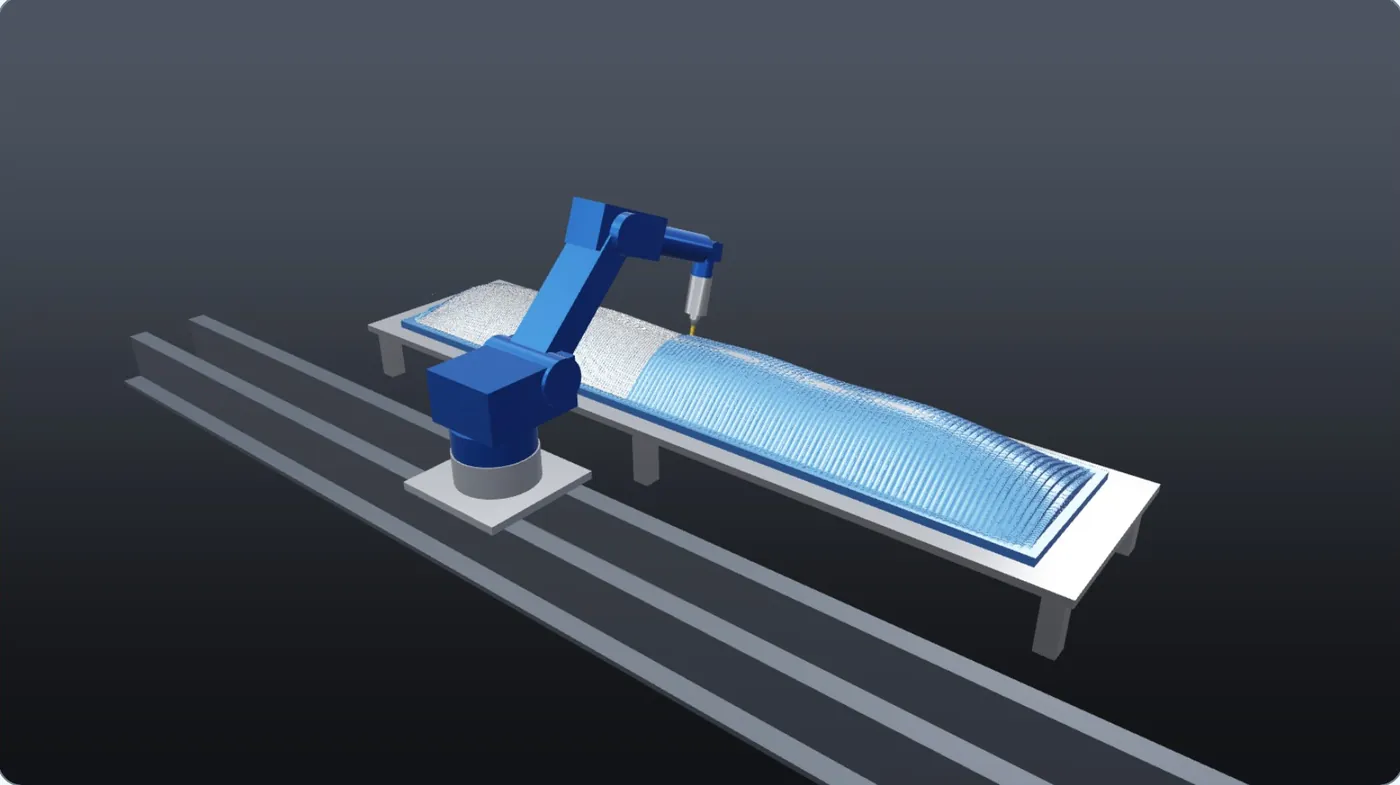
A 5.8 m part, one robot on a rail
Foam hull plug 5.8 × 1.12 m, KRL programs, 56 000 robot moves. 0 collisions and 0 gouges after the fixes the simulation pointed to; 5.4% stock left (roughing allowance and finishing cusps).

5-axis CNC and robot simulation
See the part, the machine and every move before the first chip.
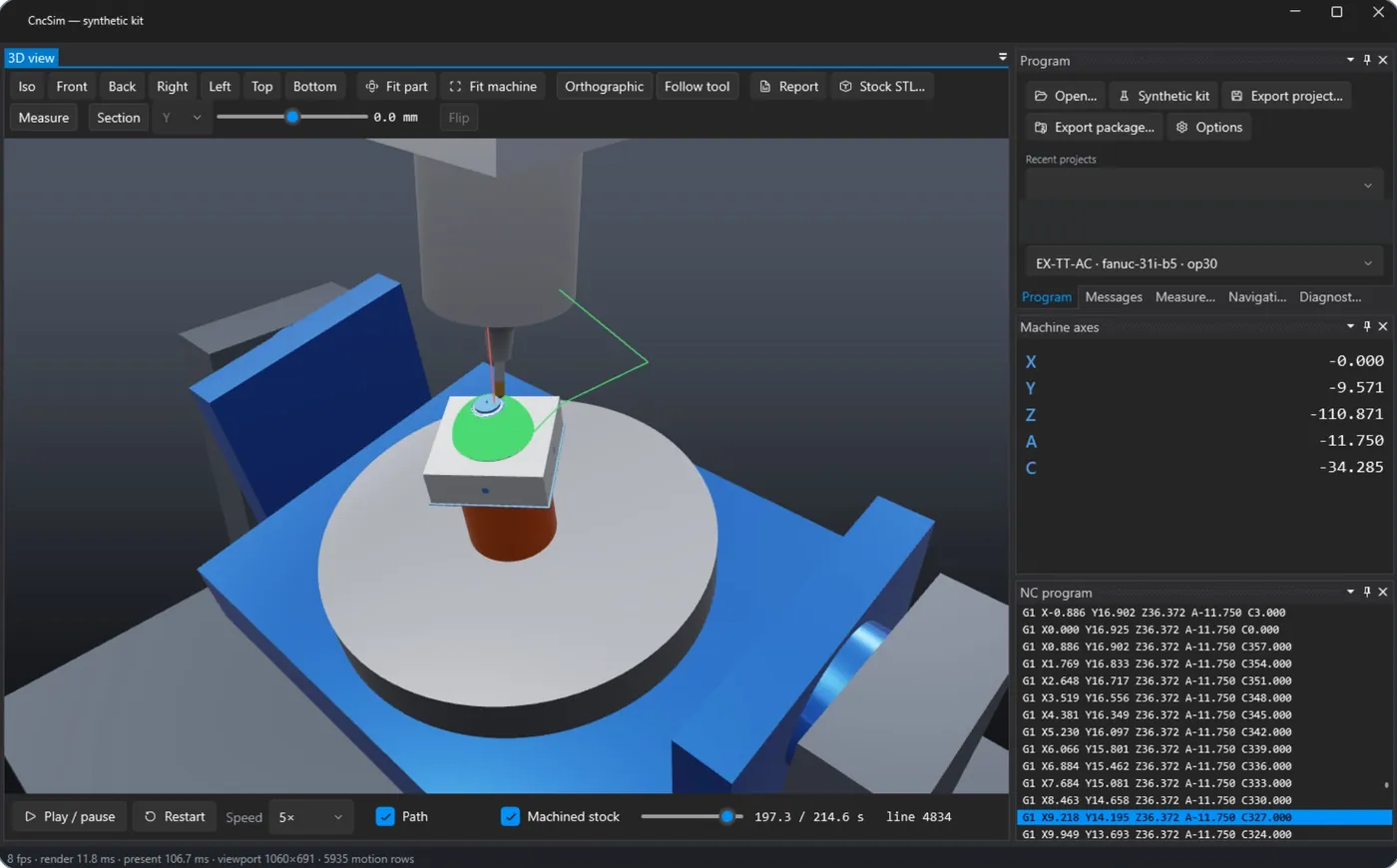
Your machine or robot cell built from its CAD assembly, your real NC and robot programs, verified collisions and the machined stock at 0.1 mm. CncSim is a Windows desktop application developed by Eulogika: data stays in house and no cloud service is needed.
Why simulate
A head, spindle or holder against the table, the fixture or the part means repairs and days of downtime.
A 5-axis move that needs more stroke than the machine has stops the program halfway through the part.
A wrong offset or tool length shows up only at inspection, when the part is already scrap.
What CncSim does
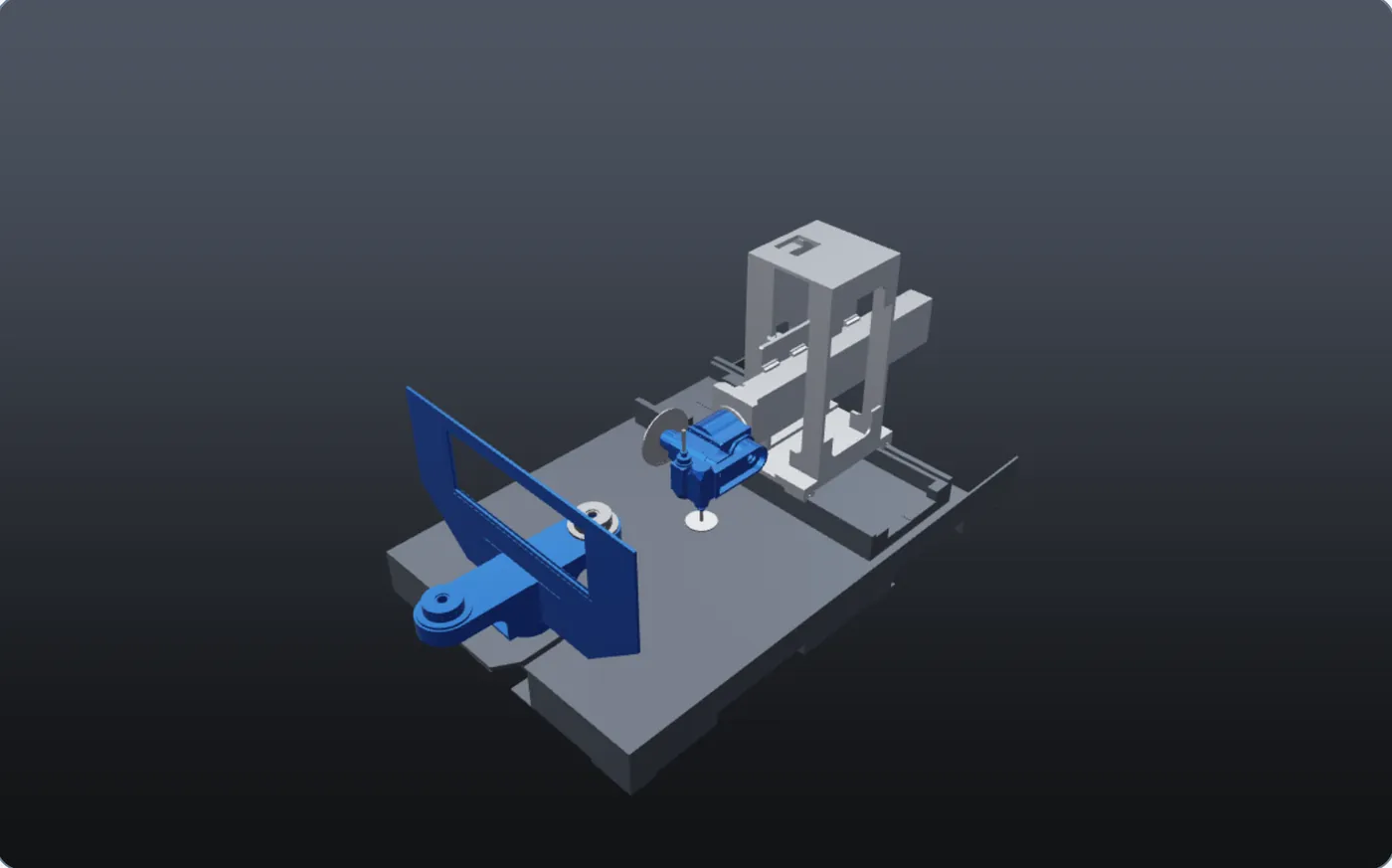
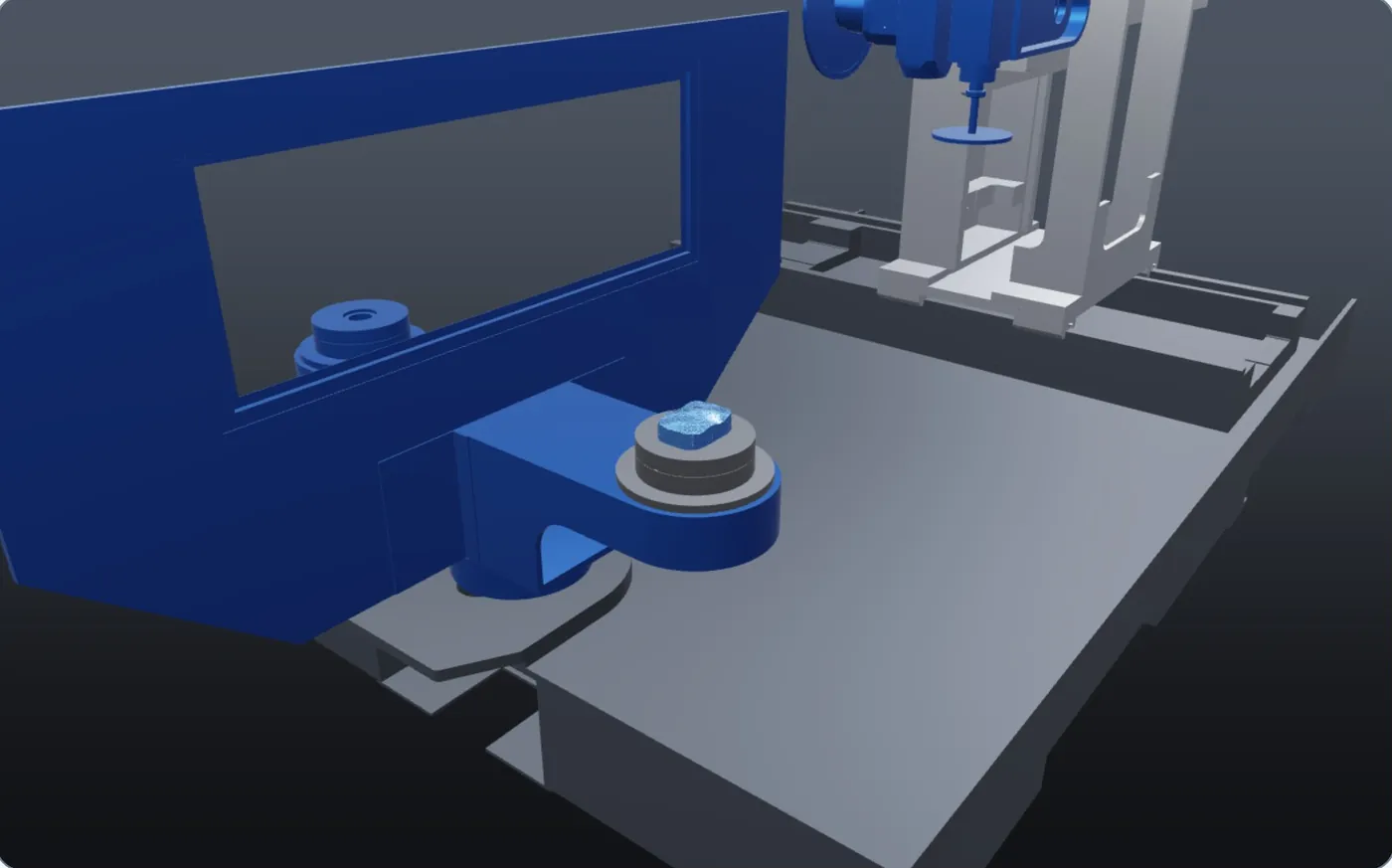
Built from the builder's STEP assembly: axes, limits, spindles, index tables, robots.
Fanuc, Haas, Heidenhain, Siemens and KUKA, ABB, FANUC robot programs, read the way the control reads them.
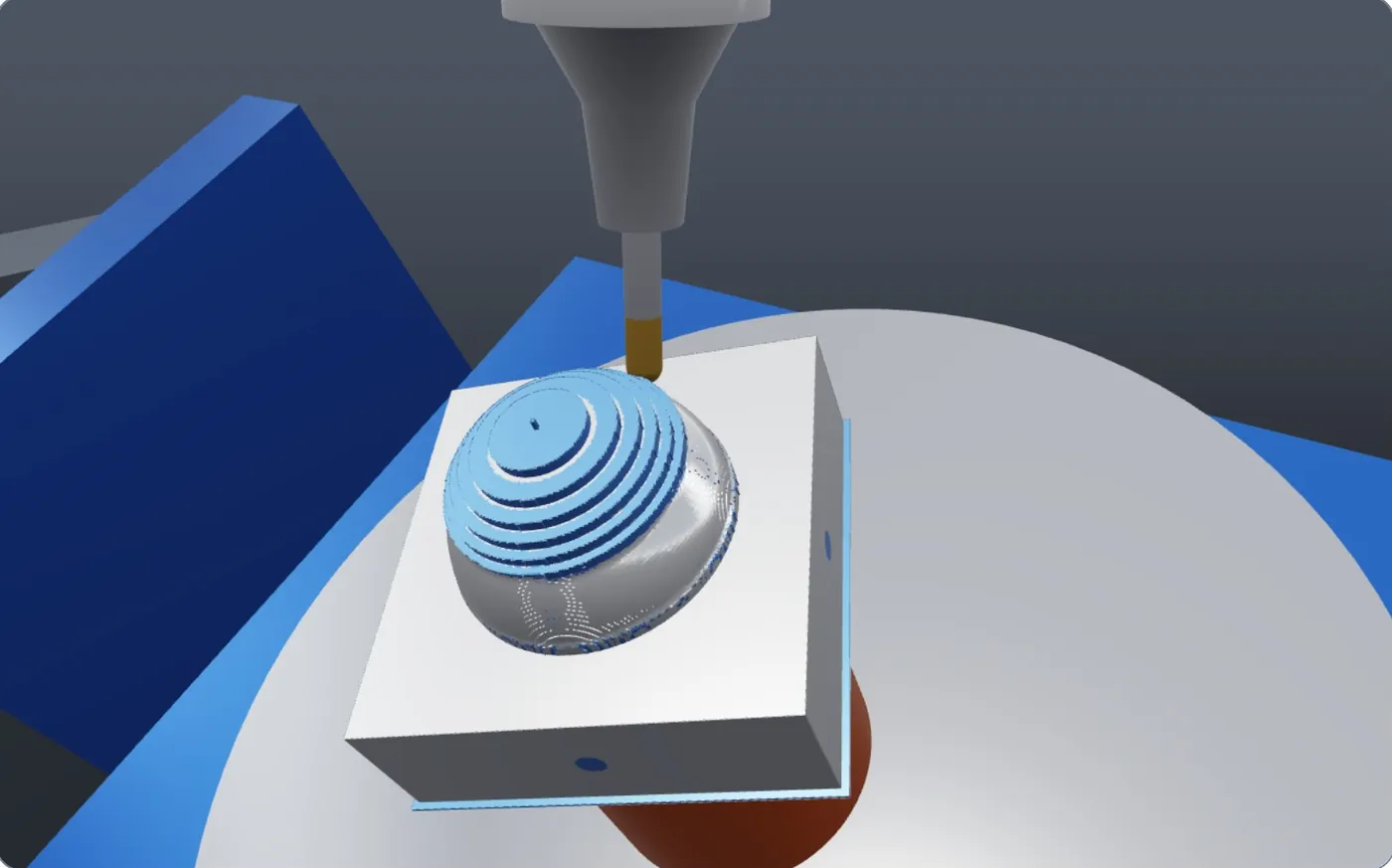
The stock is cut move by move, down to 0.1 mm: the part as it will come off the machine.
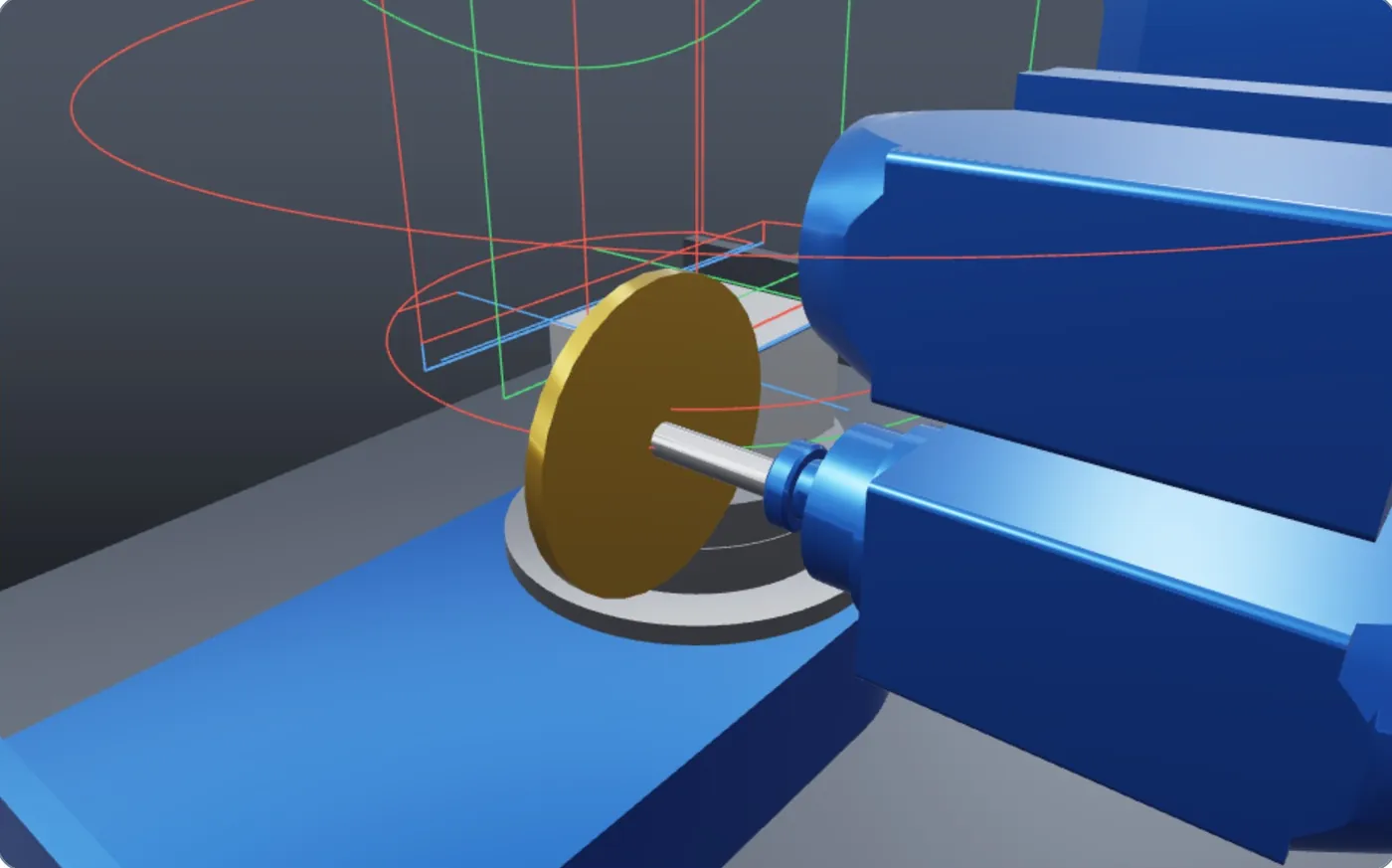
Collisions, overtravel, gouges and cycle time, in a report linked to the NC lines.
Machine models
Beyond 3+2
Verification
NC programs
| Family | Controls | What is interpreted |
|---|---|---|
| ISO | Fanuc 31i-B5, Haas NGC | TCP (G43.4, G234), tilted planes (G68.2), DWO (G254), inverse time (G93), drilling cycles, G41/G42 |
| Heidenhain | TNC, Klartext | L, C and CC moves, RL/RR, PLANE SPATIAL, TCPM, CYCL 200 |
| Siemens | SINUMERIK | TRAORI, CYCLE800, TRANS, drilling cycles, WAITM |
| Robots | KUKA KRL, ABB RAPID, FANUC TP | PTP, LIN and CIRC with approximation, tool and base data, external axes, loops, registers, subroutines, signals and sync |
All 22 programs of the test kit move the machine exactly as the reference motion. Codes that are not supported are reported with their line, never skipped in silence.
Material removal
Material resolution, with fine tiles only where finishing happens
Projected for 500 000 blocks at 0.1 mm on 8 cores, against a 180 s target
Speed-up of the GPU compute kernel over the CPU, with identical material
Swept volumes in closed form for ball, flat and drill moves; 5-axis moves split by tool orientation; SIMD and all CPU cores. Figures measured on the development machine with the synthetic test kit, to be confirmed on customer programs.
A whole job
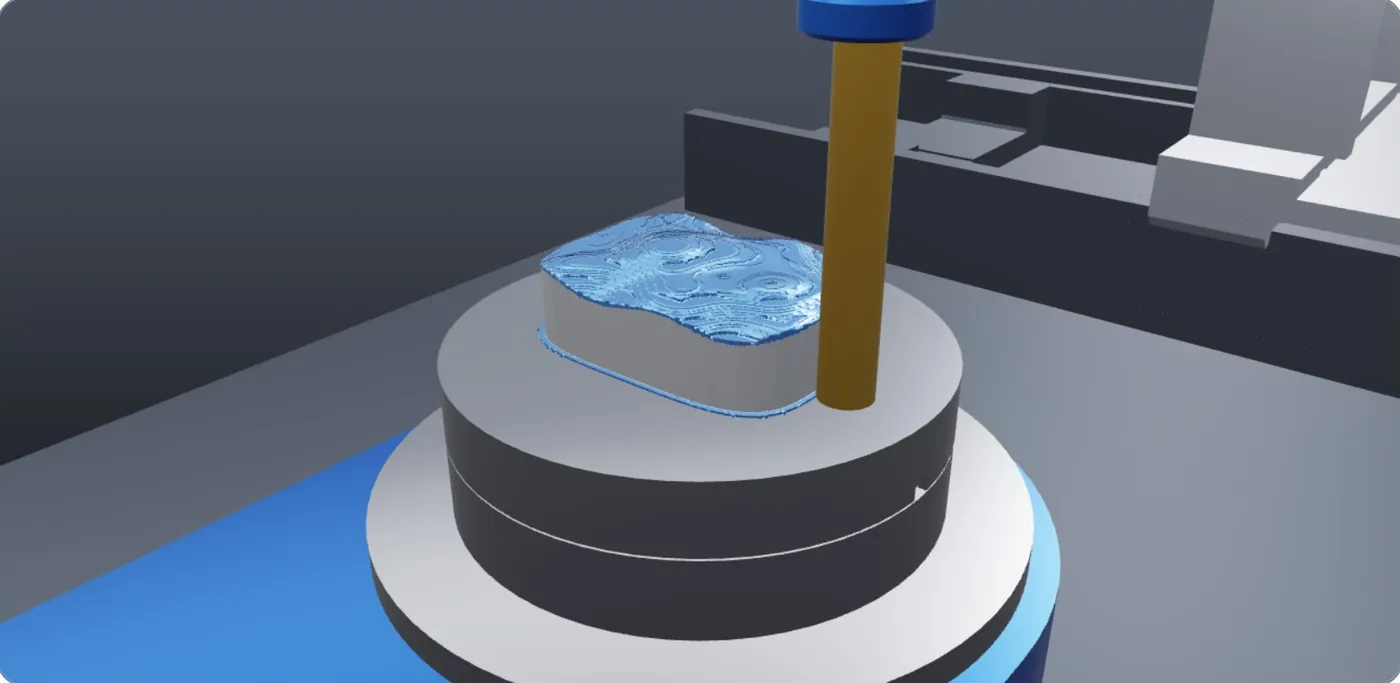
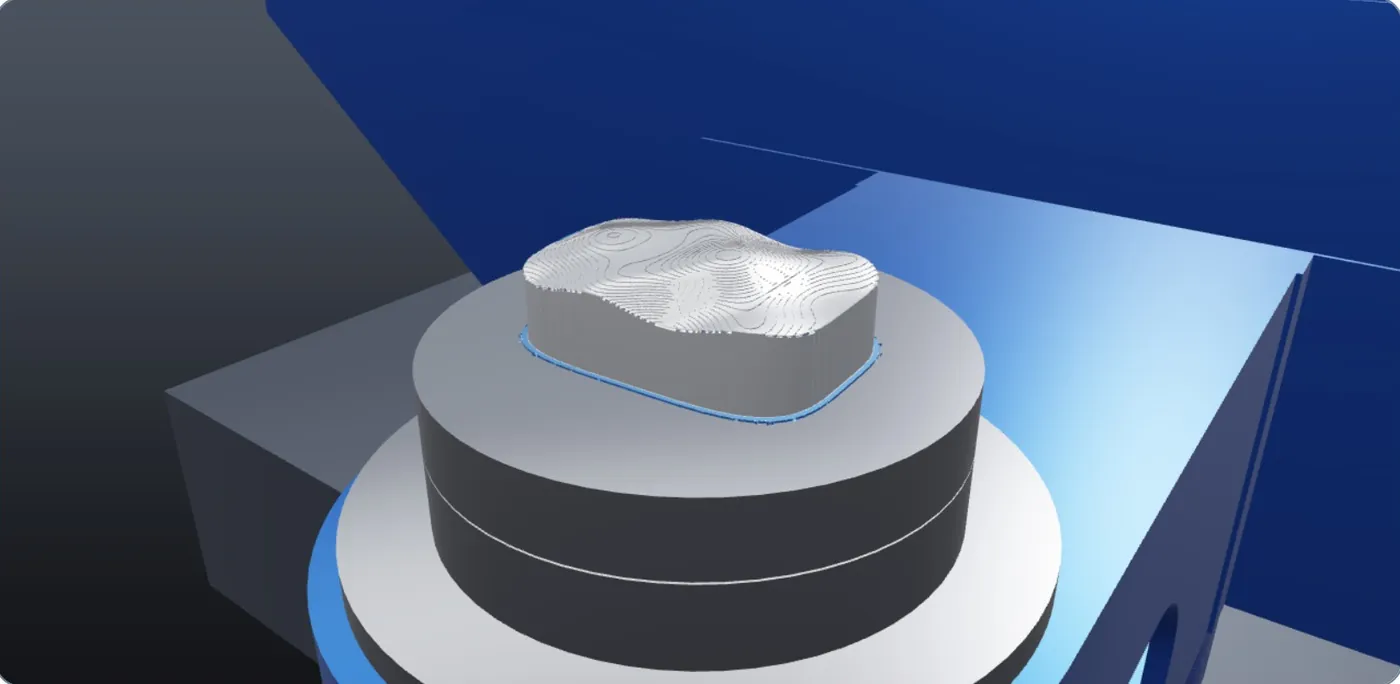
No collisions or overtravel · 0.42% stock left over the part, no gouges · 13:23 estimated cycle time
Freeform mould, synthetic demo data
Real stock
Inspection
Cut part, stock and fixture on any plane of the part frame.
Coordinates, stock left over the part and distances between points.
Click the toolpath or an event and the timeline jumps to that line.
The machined stock at any moment, as a closed mesh for the next setup.
From axis speeds and accelerations; ±10% target, to calibrate per machine.
One HTML page with view, events, messages and material figures.
Robots
6-axis arms, 7-axis cobots, arms on tracks or hanging from gantries, positioners in coordinated motion: one inverse kinematics for any chain.
KUKA KRL, ABB RAPID and FANUC TP next to ISO, Heidenhain and Siemens, with loops, sub-programs, functions and approximation zones. The same path in the three languages moves the robot the same way.
Collisions (also arm against arm), overtravel, singularities, material removal and cycle time, as for the machine tools.
One channel per robot on one timeline: sync points, robot against robot, one robot holding the part for another.
Linear and circular paths are followed within 0.05–0.1 mm between computed points, so collisions and removed material follow the real path.
Feasibility study on synthetic data.
Foam hull plug 5.8 × 1.12 m, KRL programs, 56 000 robot moves. 0 collisions and 0 gouges after the fixes the simulation pointed to; 5.4% stock left (roughing allowance and finishing cusps).
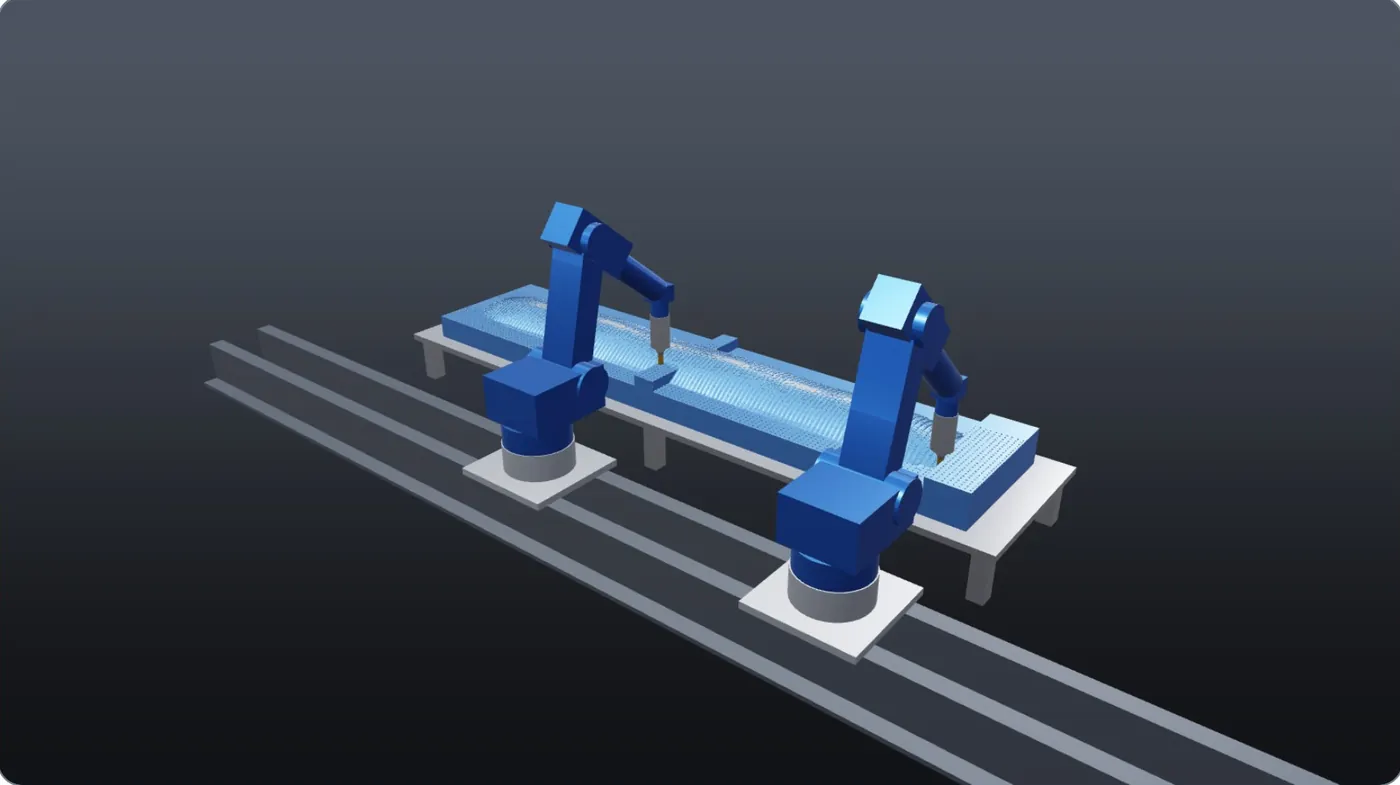
ABB MultiMove: each robot roughs half of the hull, against 54:21 with one. Start and end synchronized (WaitSyncTask); robot against robot checked over time.
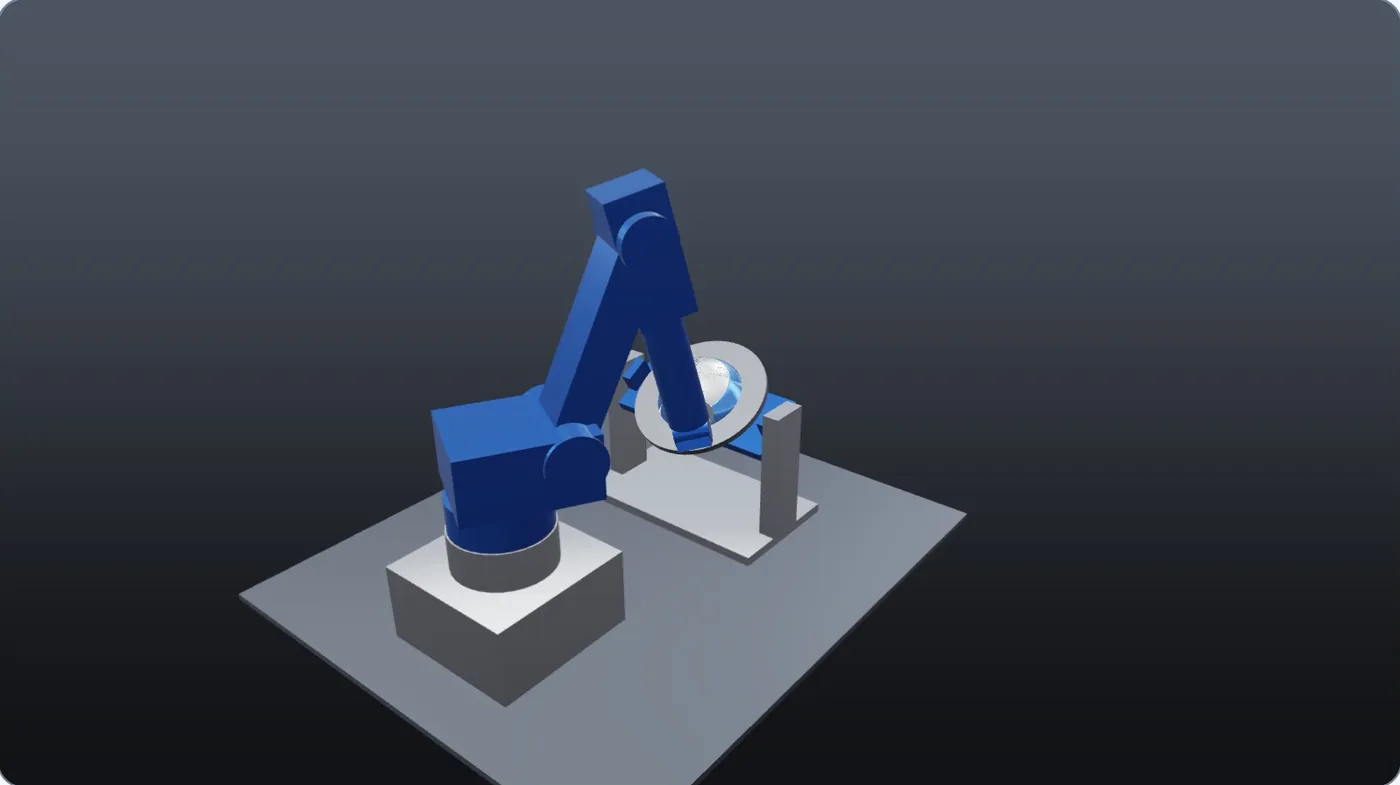
Dome finished while a 2-axis positioner turns it: KRL, RAPID, TP and ABB MultiMove. Surface within 0.04 mm.
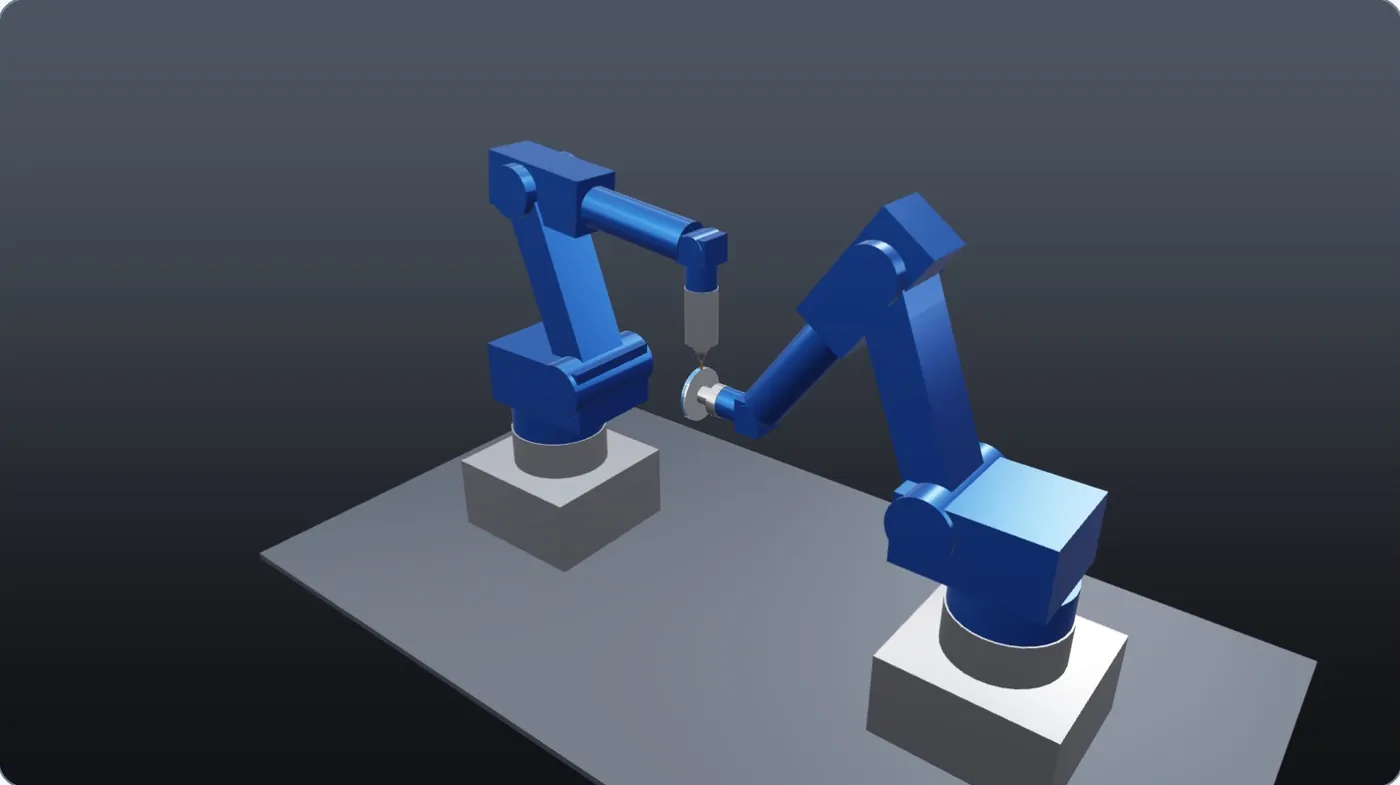
One robot turns a disc, the other mills its rim in synchronized moves. Rim within 0.04 mm, the arms never touch.
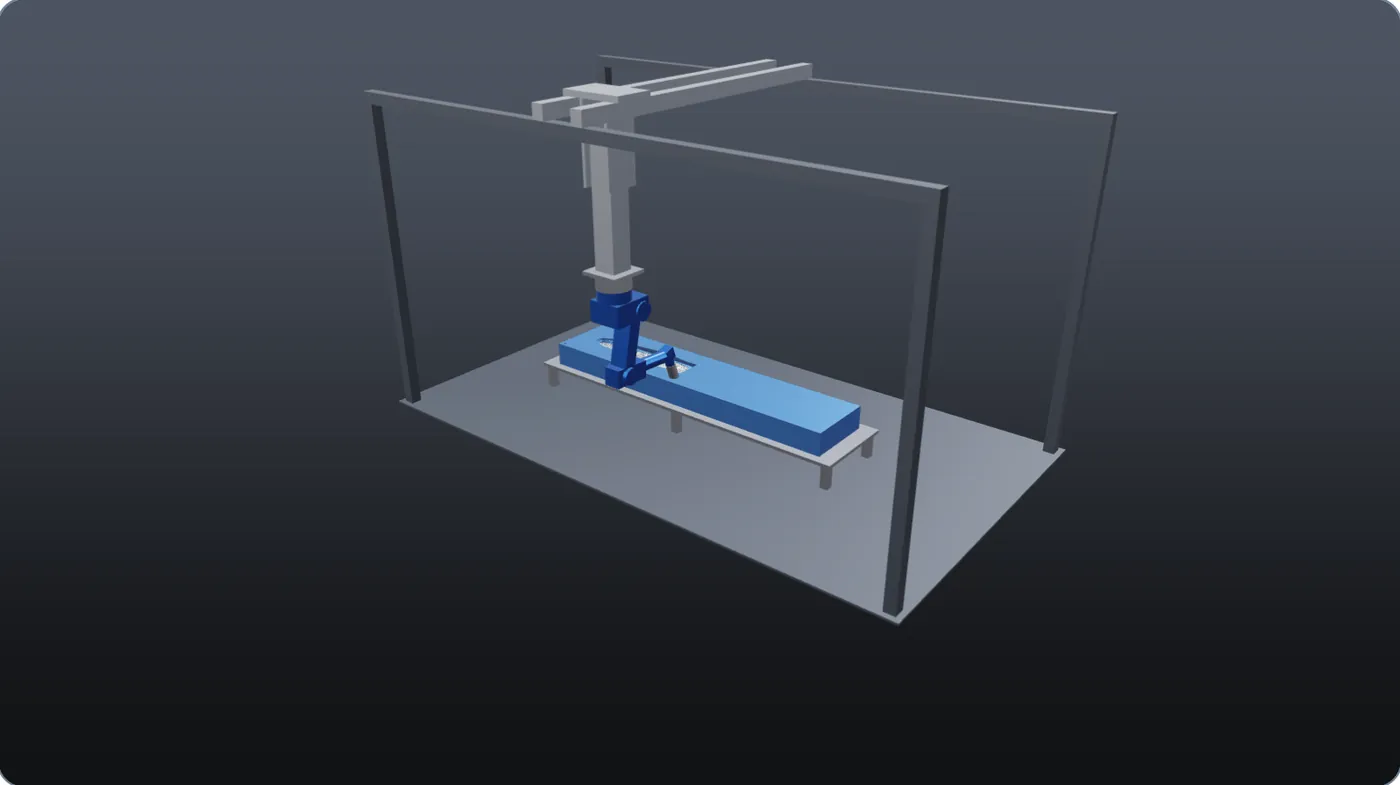
The 3-axis gantry follows the pass, the arm stays in one posture. 26:11, 0 collisions, 0 gouges.
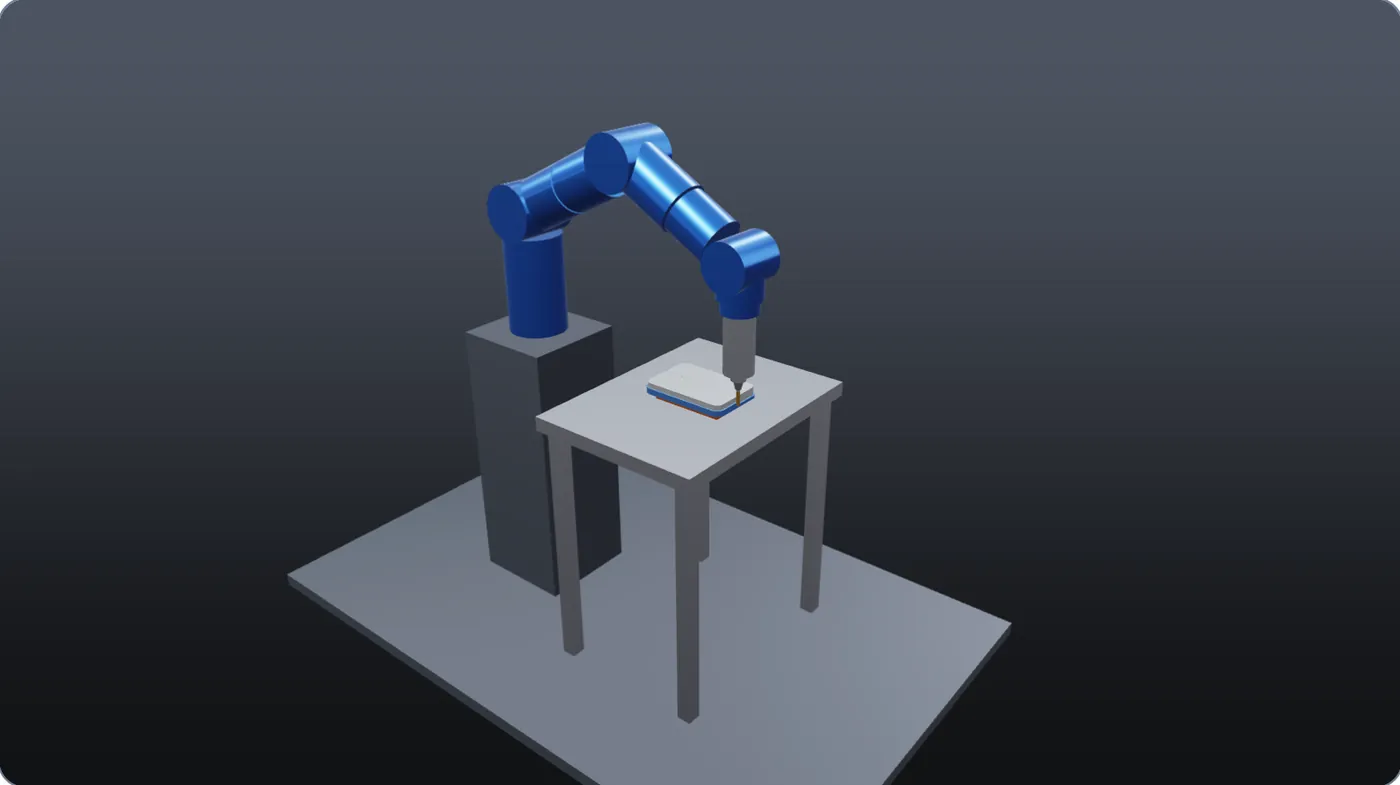
Facing and trimming a plate: the program gives only tool poses, the elbow stays in its preferred posture. 0.01% stock left.
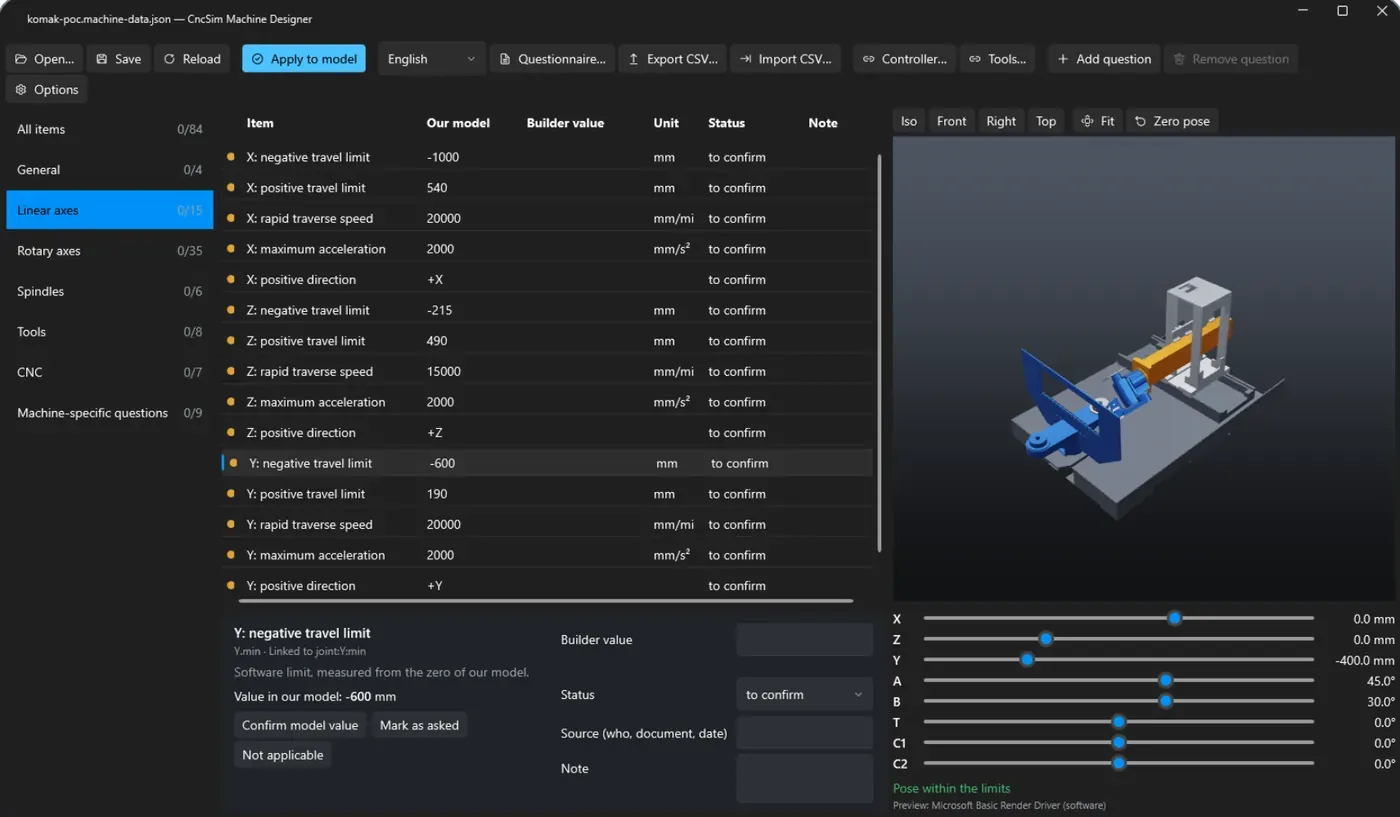
Machine designer
International teams
Projects and deployment
Machine, control, tools, models and programs in one JSON file, with paths that move with the folder.
One .cncsim.zip for customers and builders, with SHA-256 fingerprints checked when it is opened.
Each program starts from the stock the previous one left; part handling and the whole sequence in one job.
A desktop application with no cloud service; it runs even without a graphics card.
Status
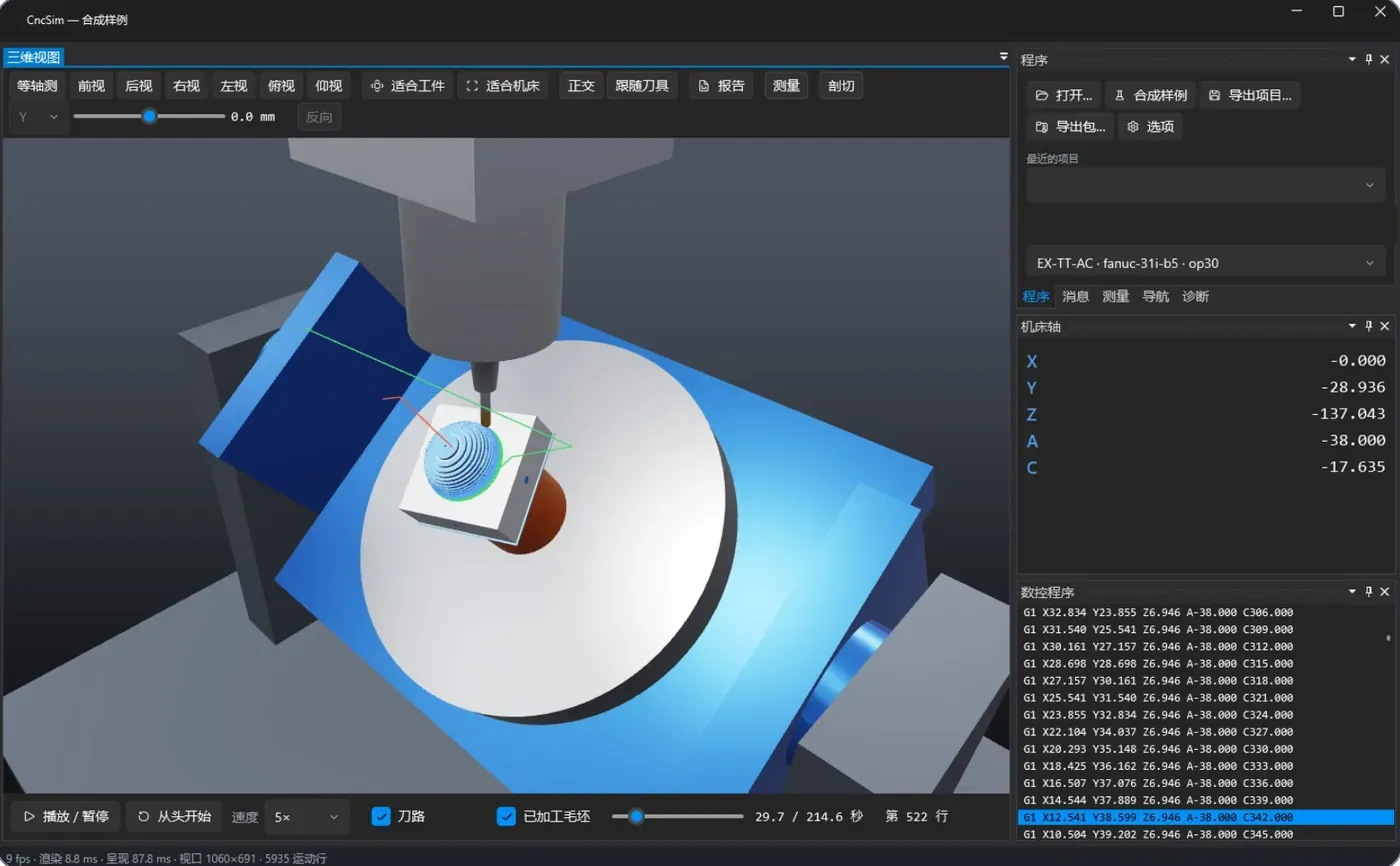
CncSim is a Windows desktop application developed by Eulogika that simulates 5-axis CNC machines and multi-axis robot cells. It builds the machine from its STEP assembly, runs the real NC and robot programs, removes material at 0.1 mm and reports collisions, overtravel, gouges and cycle time linked to the NC lines.
CncSim interprets ISO programs for Fanuc 31i-B5 and Haas NGC, Heidenhain TNC Klartext and Siemens SINUMERIK, including TCP, tilted planes, DWO and drilling cycles. For robots it reads KUKA KRL, ABB RAPID and FANUC TP. Unsupported codes are reported with their line, never skipped.
Yes. The machine model is built from the builder's STEP or IGES assembly, with its real kinematic chain, axis limits, spindles and index tables. The machine designer collects the remaining data from the builder through a questionnaire in English, Italian or Chinese.
No. CncSim is a desktop application with no cloud service, so programs and models stay in the company. It runs on any Windows PC, even without a dedicated graphics card; a GPU, when present, speeds up material removal.
Eulogika runs pilots: bring one machine and one program. Eulogika builds the model from your STEP assembly, runs your real programs on it and shows you what the machine would do.
Pilot
We build the model from your STEP assembly, run your real programs on it and show you what the machine would do.